Provided Services
Research & UX Analysis
Conversion Funnel Audit
Usability Testing
A/B Testing
Flow Redesign

5
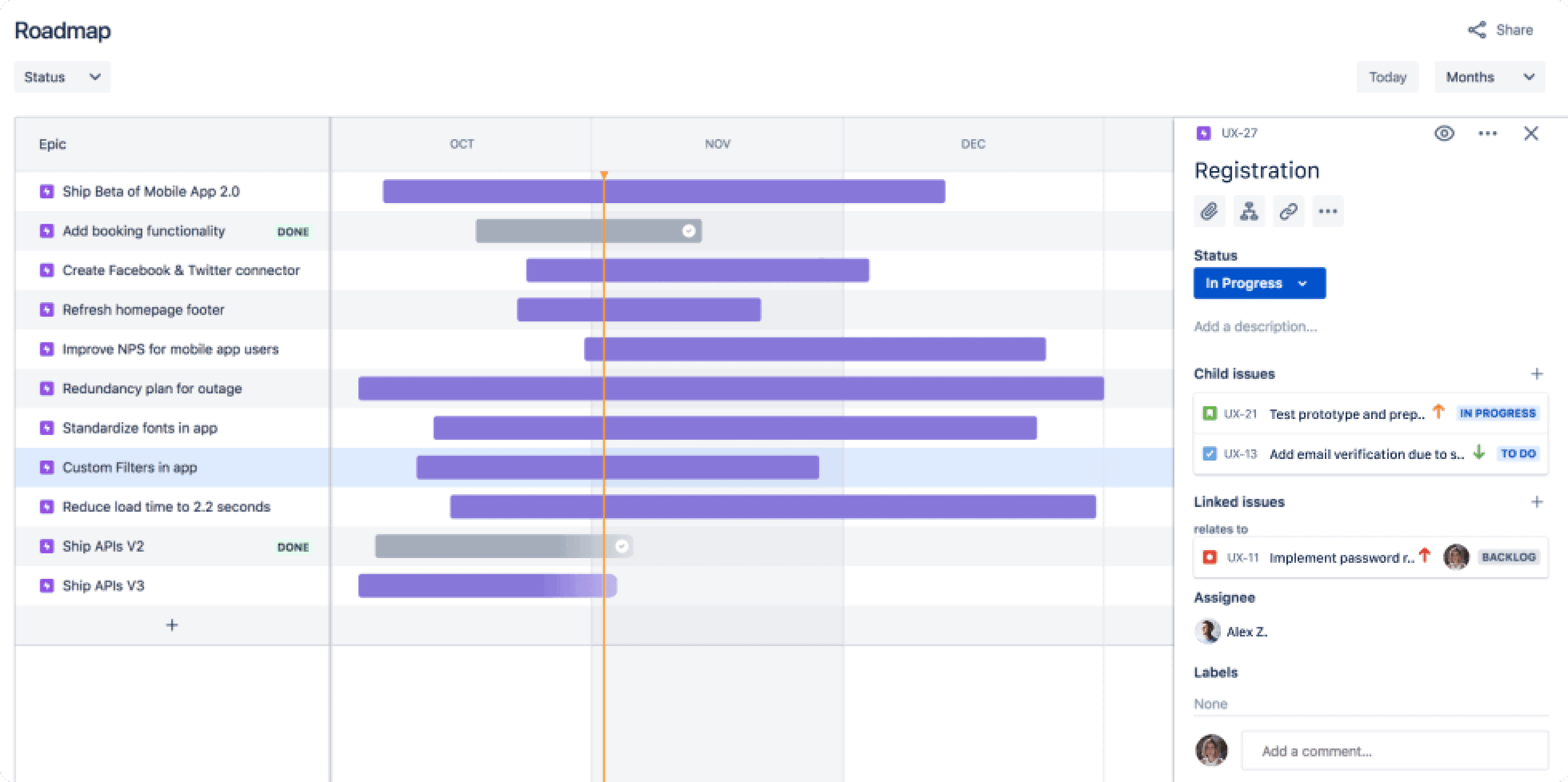
Sprints
Hypotheses
Users don’t see clear value early
1
The form is too long
2
Extra email verification adds friction
3
Weak CTA visibility
4

First name
Last name
Confirm email
Password
Confirm password
Birthdate
MM
DD
YYYY
Gender
Select
Gender
Select
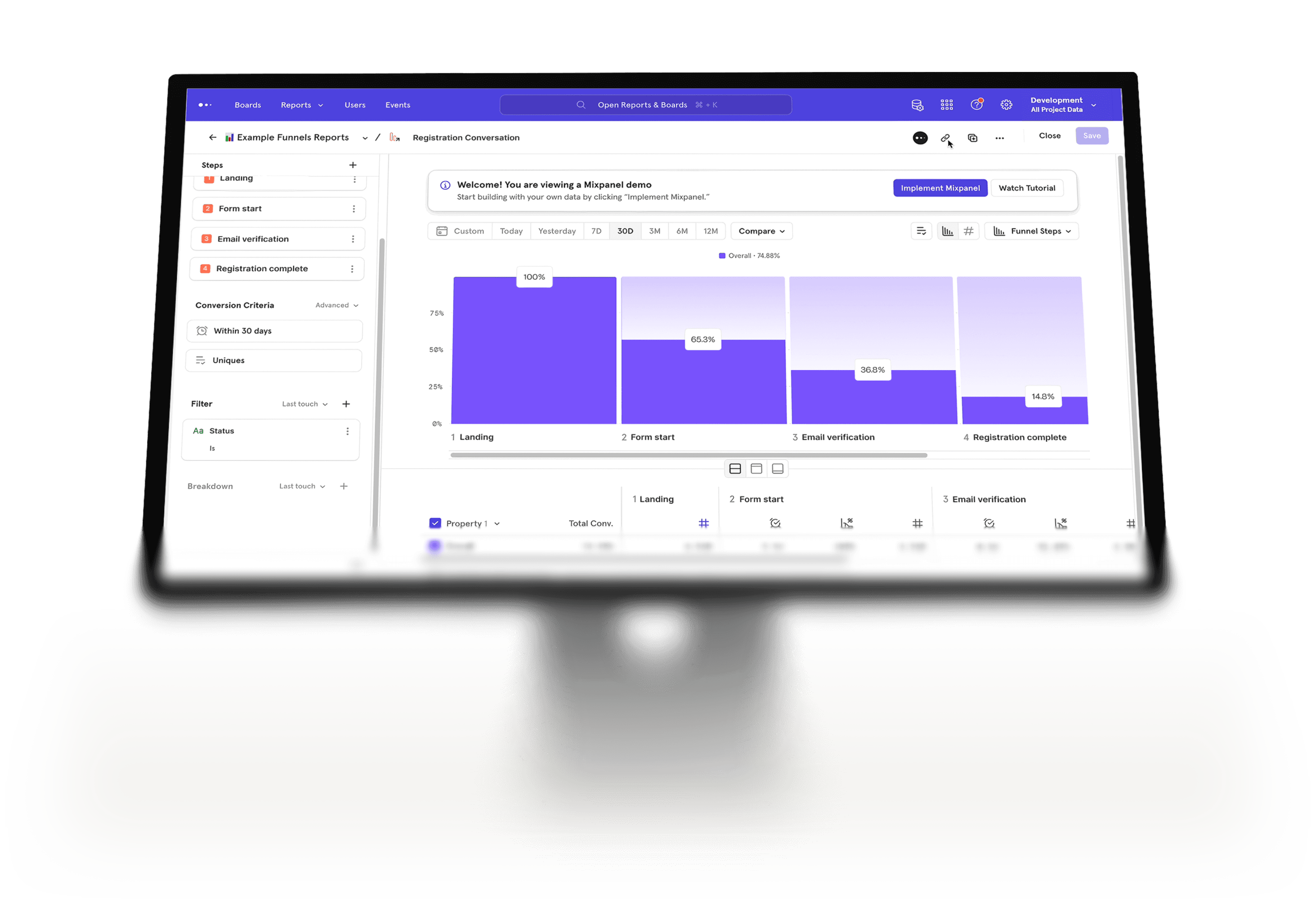
form start
0%
50%
100%
email verification
0%
50%
100%
registration complete
0%
50%
100%

How easy was it to complete the form?
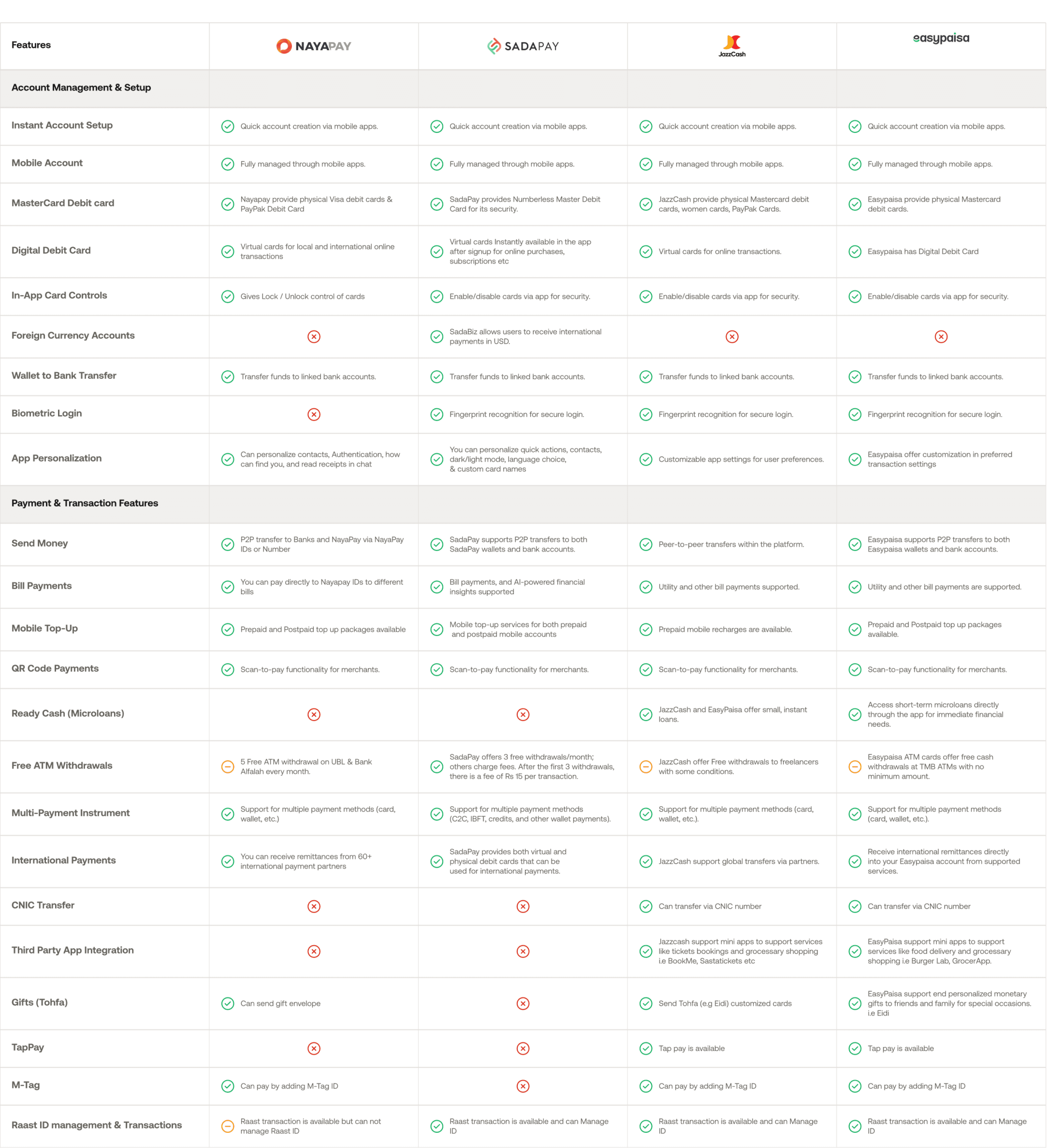
Users complained about too many fields, repeated email verification, and unclear progress.
66%
Too long
Repetitive
Frustrating
Did users understand why they should register?
Participants often asked “Why do I need this account?” or tried to skip registration entirely.
71%
Unmotivated
No value
“Why register?”
Was the registration process clear?
Most users got stuck or hesitated, especially after seeing multiple form steps.
41%
Confusing
Many steps
Unclear
11% could complete without help
37% neutral, but slowed down by unclear steps
77% said email verification was frustrating
97% agreed registration felt longer than expected
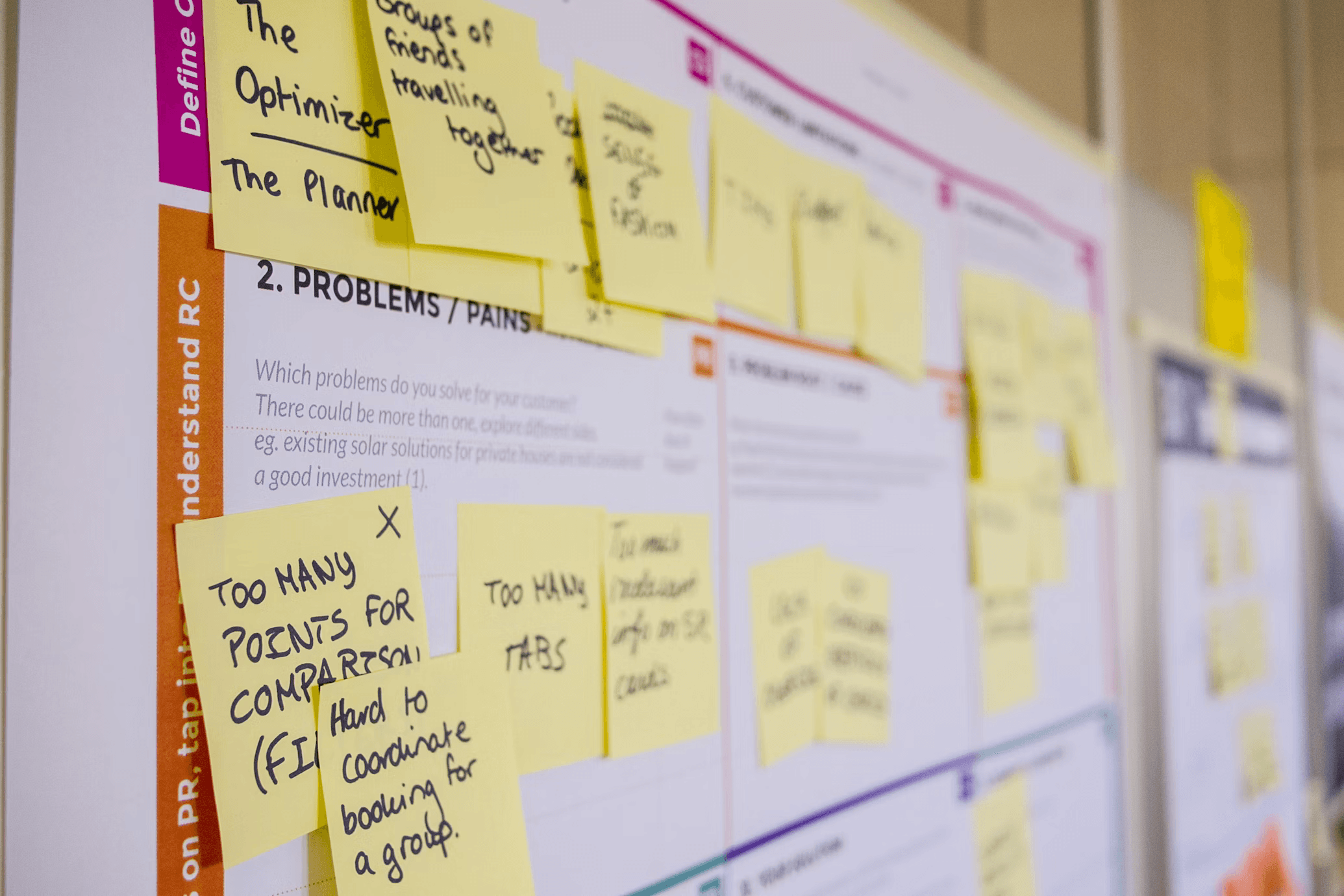
Usability testing confirmed key friction points: unclear value proposition, unnecessary steps, and form overload. These issues directly explained the low registration completion rate.



13+
Problem
The registration felt outdated and overwhelming — too many steps upfront, unclear value, and a clunky email verification that stopped users before they even got to try the product.

Kseniia Bator
Product designer
Solution
01
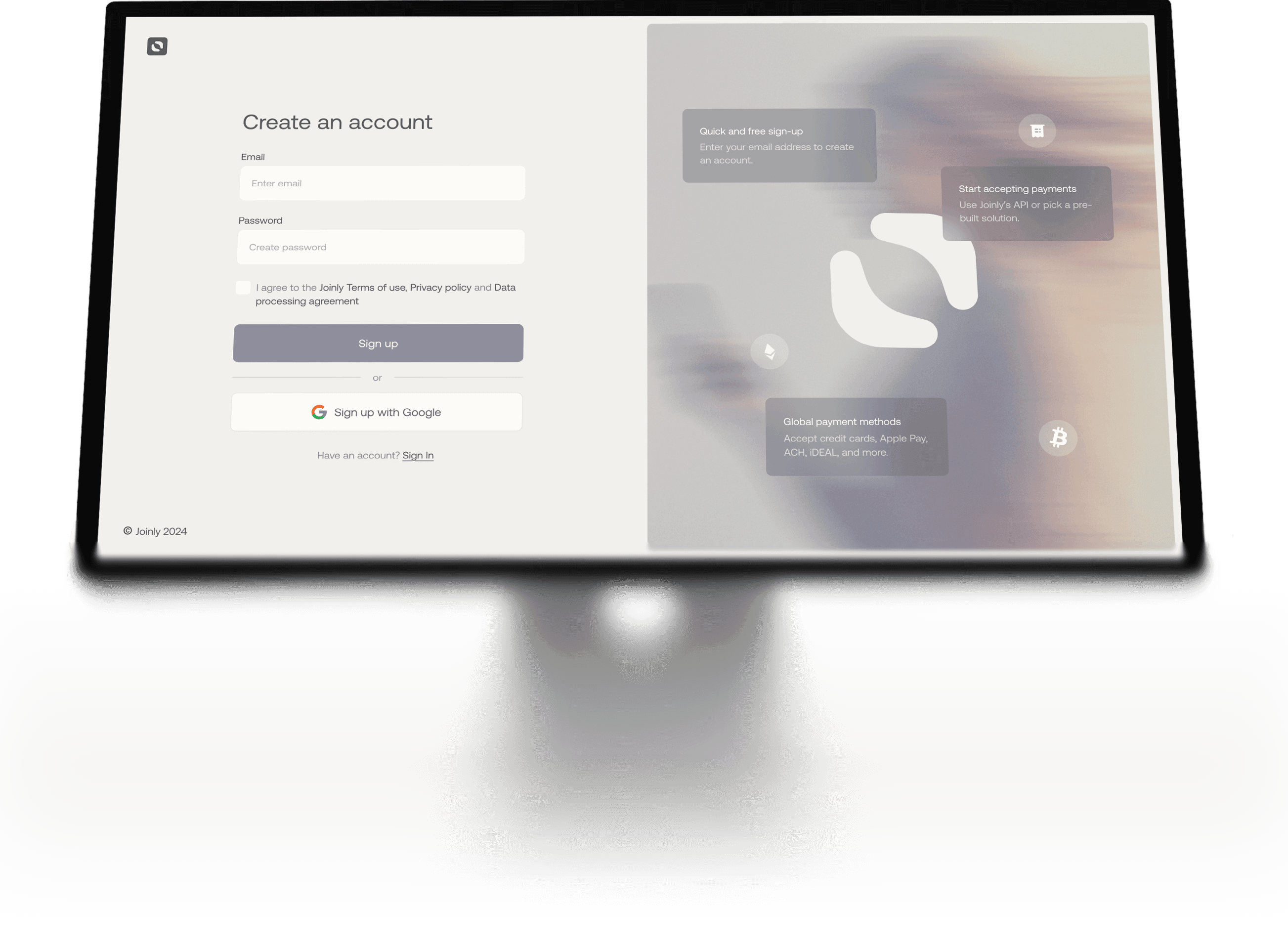
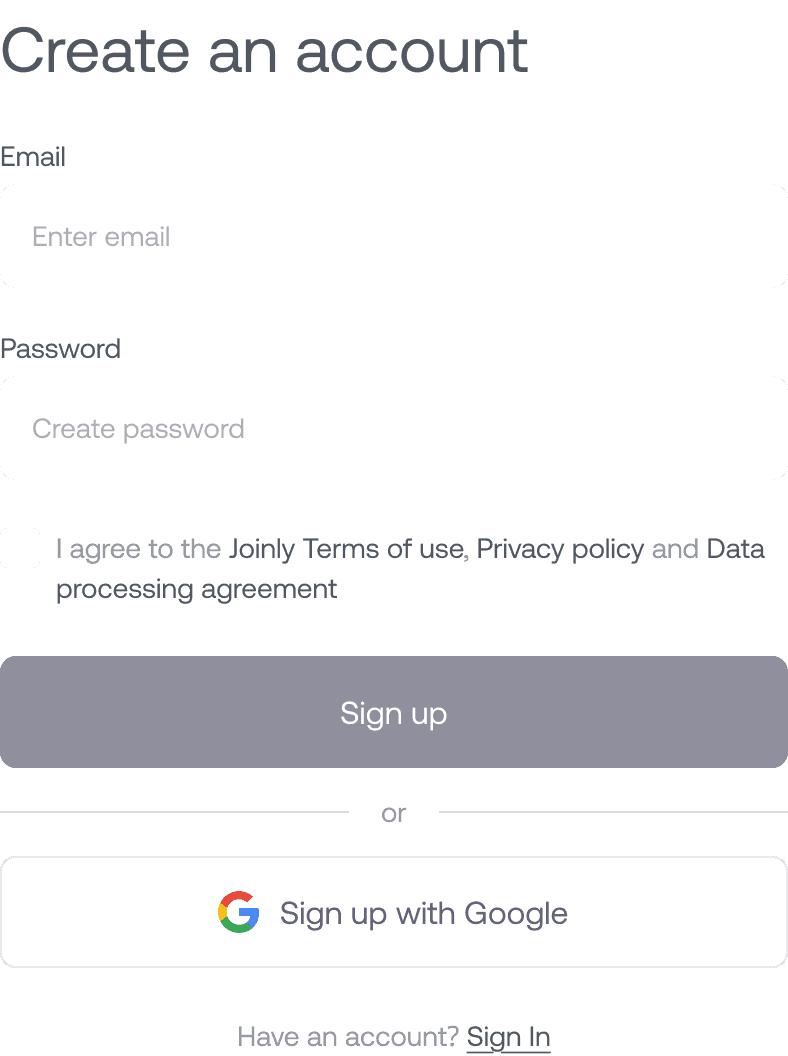
Cut the noise — reduced sign-up to just email + password, with the rest collected later.
Solution
03
Show the “why” first — moved value proposition and proof upfront, so users saw the benefit before committing.
Solution
02
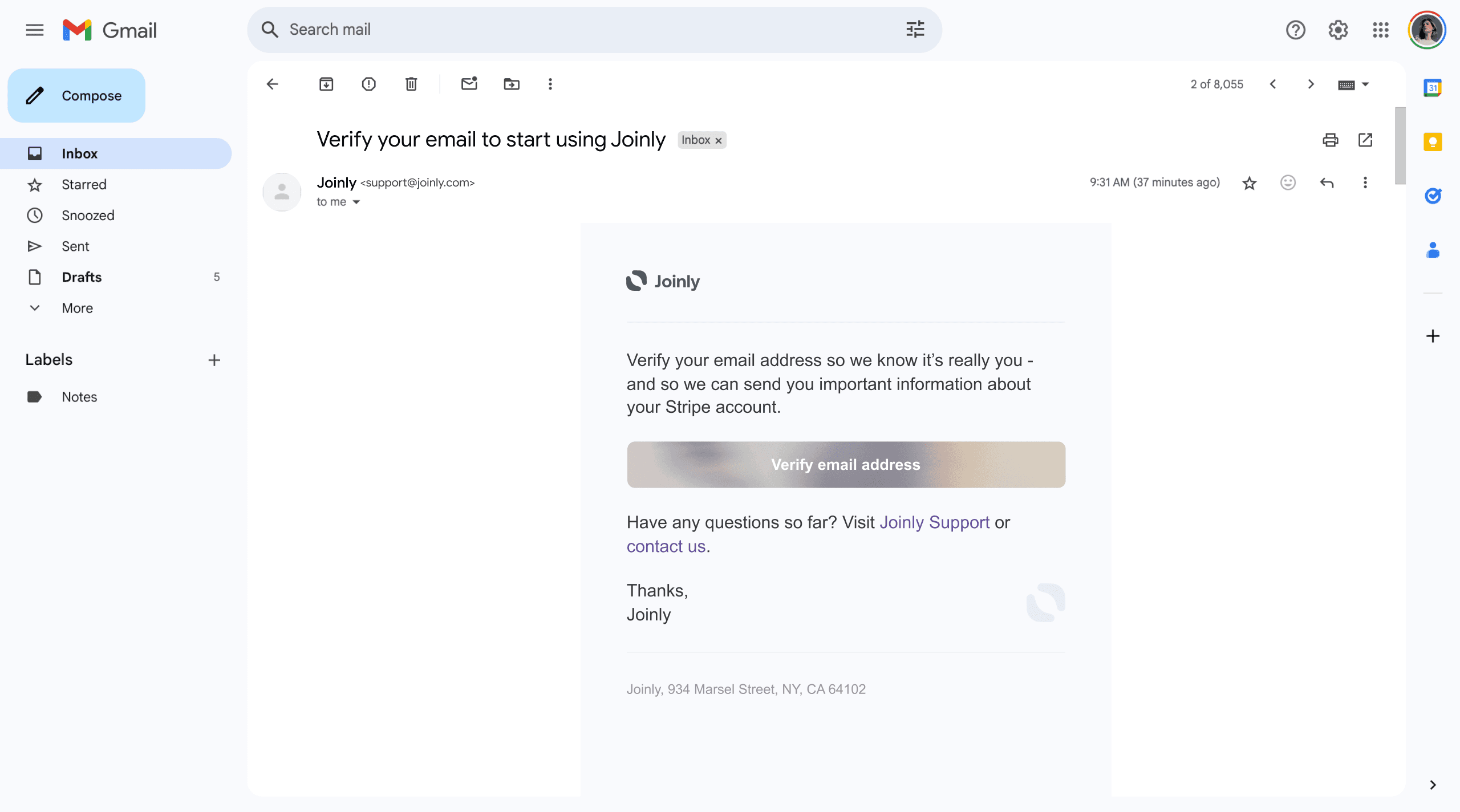
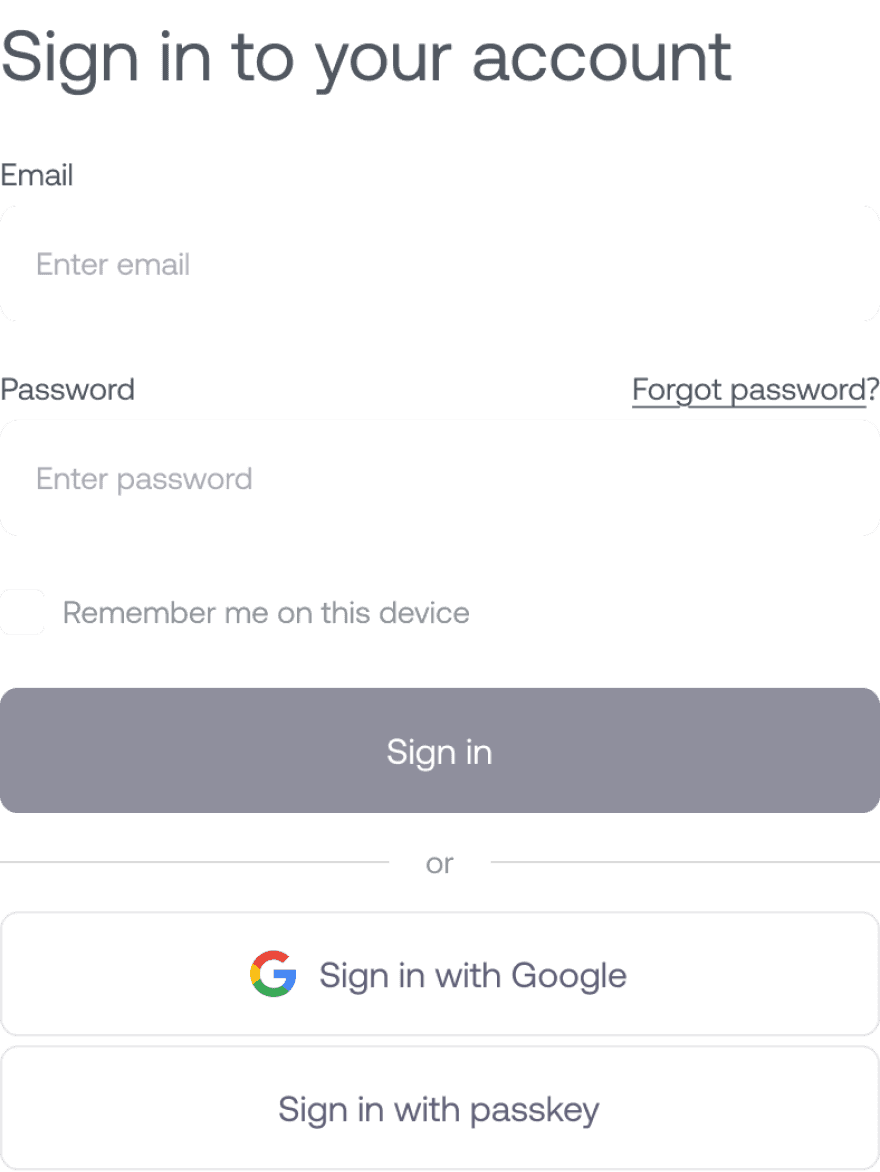
Smarter verification — email confirmation is optional at first, one-click later, so it doesn’t block exploration but still keeps the flow secure.
Implementation
Flexible Verification
Minimal Sign-Up
Instant Value First

Quick and free sign-up
Enter your email address to create an account.
Start accepting payments
Use Joinly’s API or pick a pre-built solution.
Global payment methods
Accept credit cards, Apple Pay, ACH, iDEAL, and more.
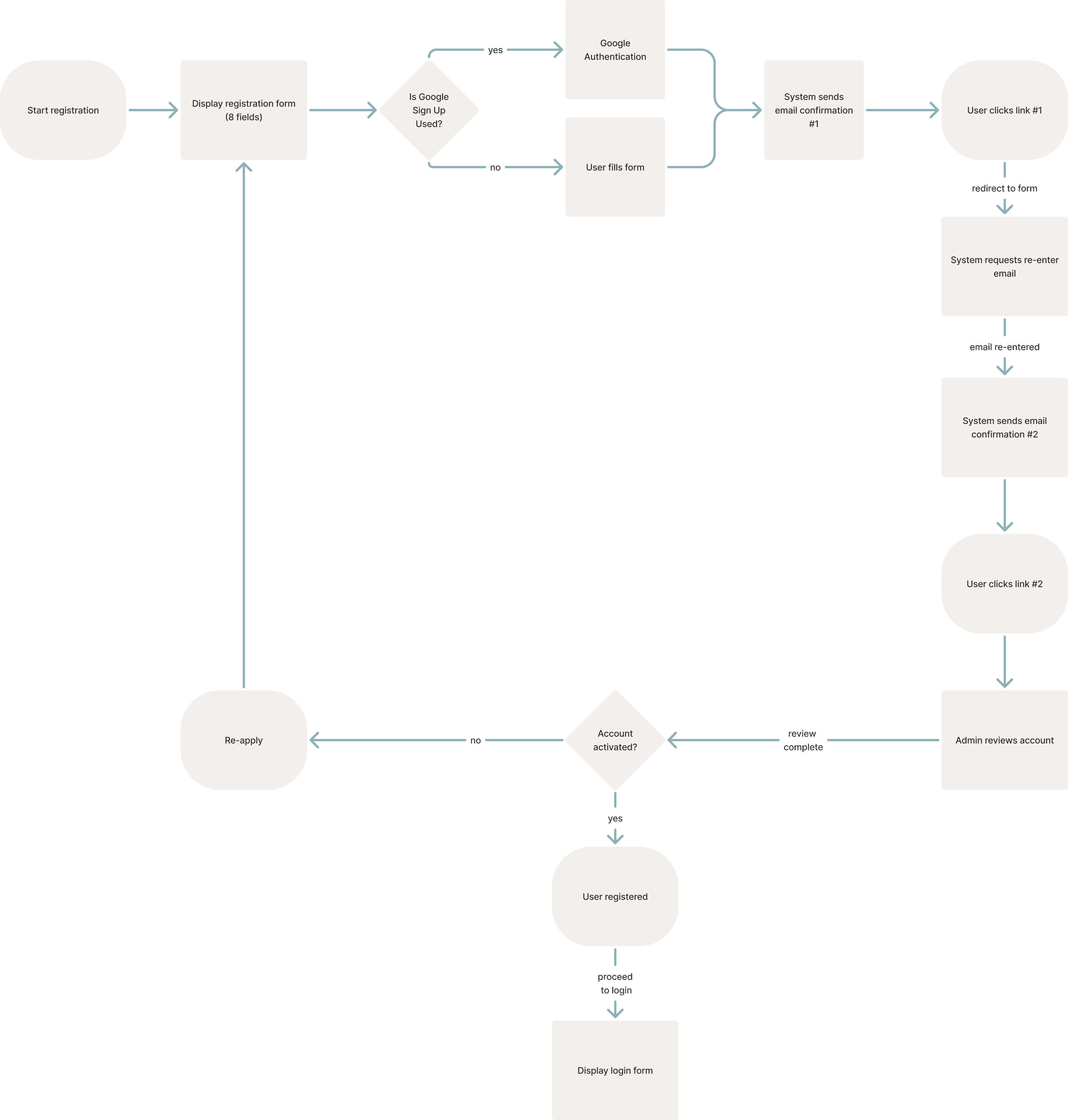
*old flow
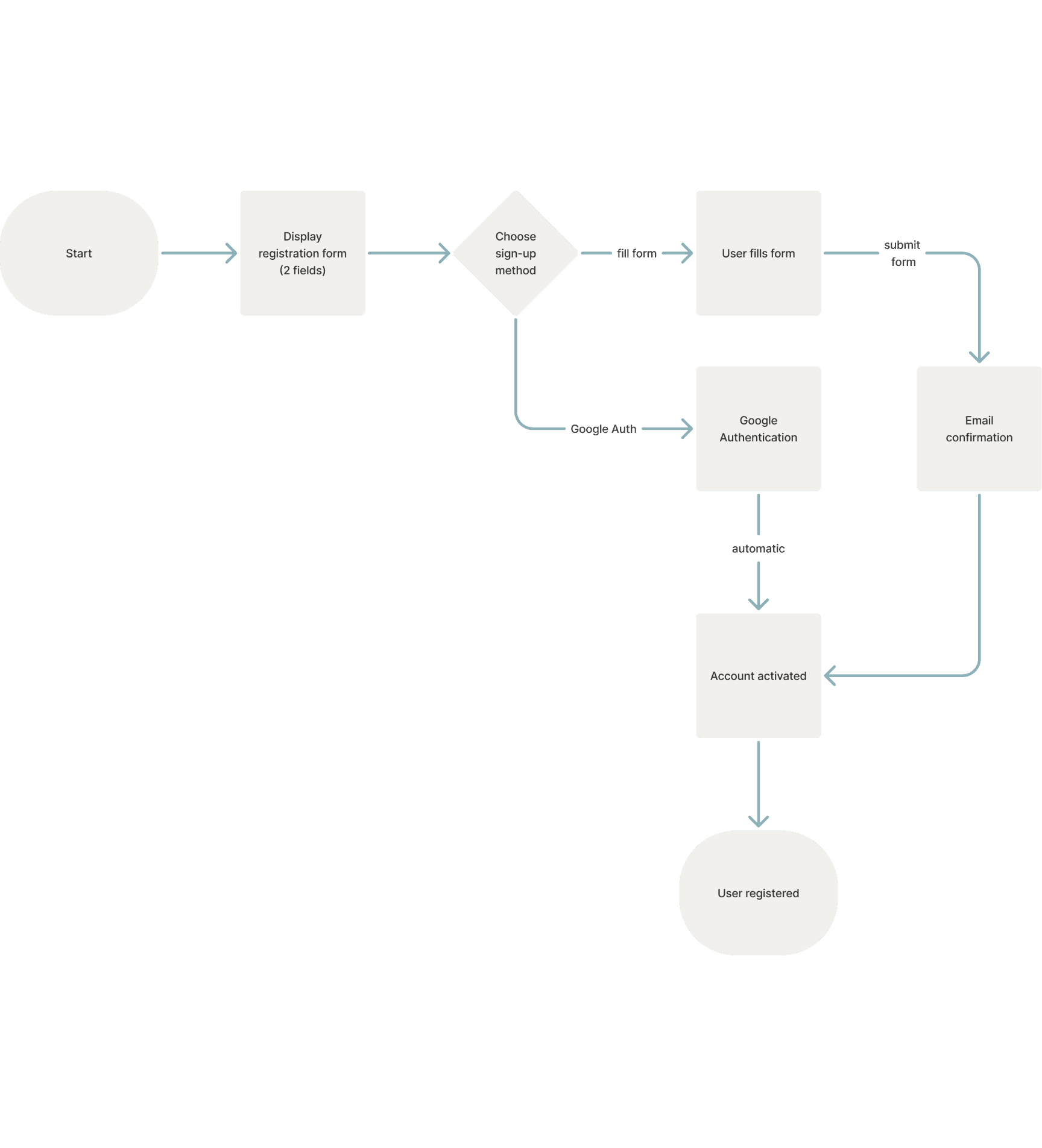
*new flow
Interviews
Was the process faster than earlier?
87%
Shorter forms and inline verification saved time and felt smoother.
Interviews
Was the registration process clear?
81%
Simplified workflows helped people move through the steps without confusion.
Interviews
Did users understand the value earlier?
76%
Adding a clear “why register” message at the start made the purpose more obvious.

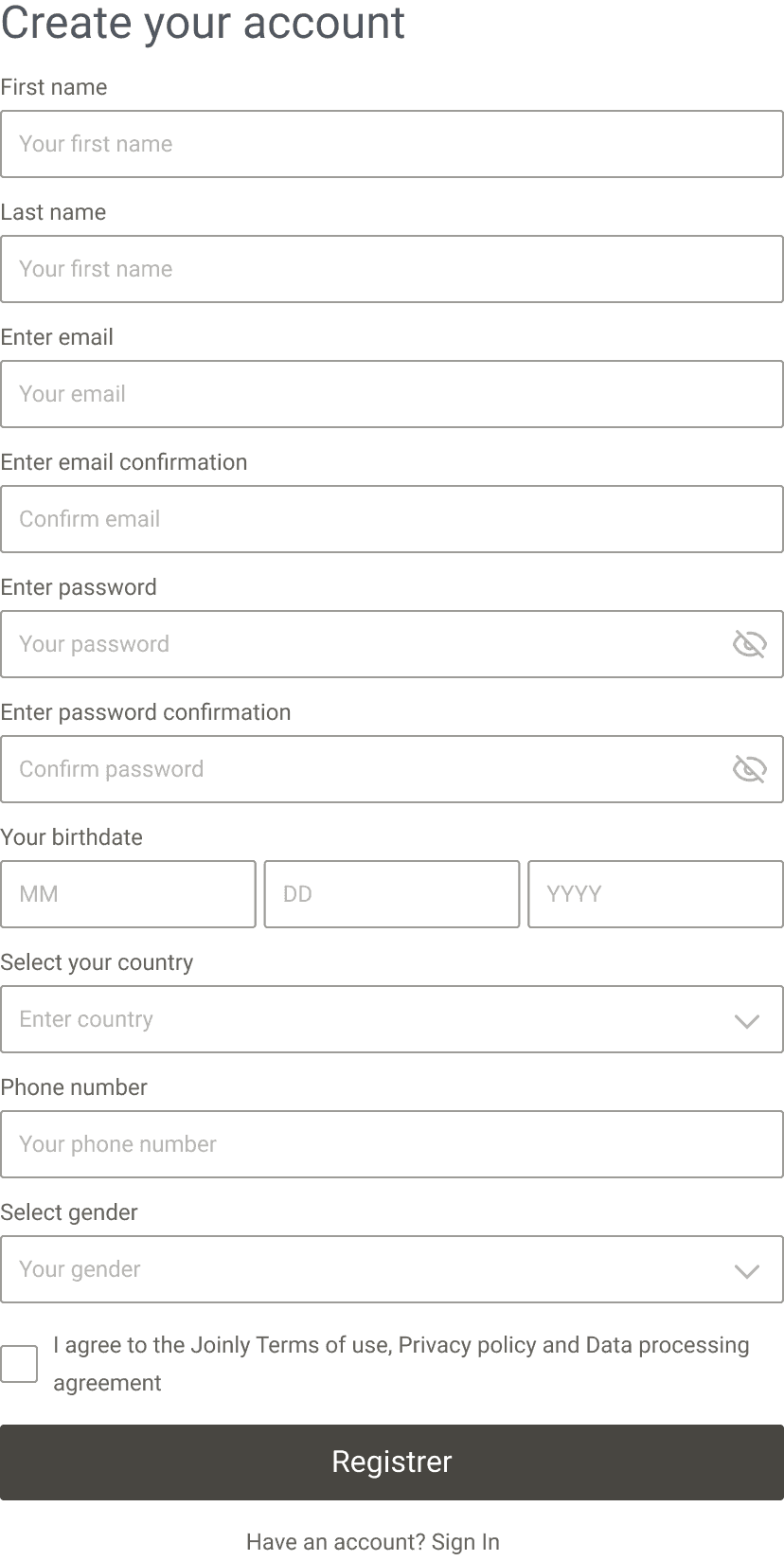
Before
11 fields
Rigid input masks
Cold CTA: “Register”
Errors shown too soon
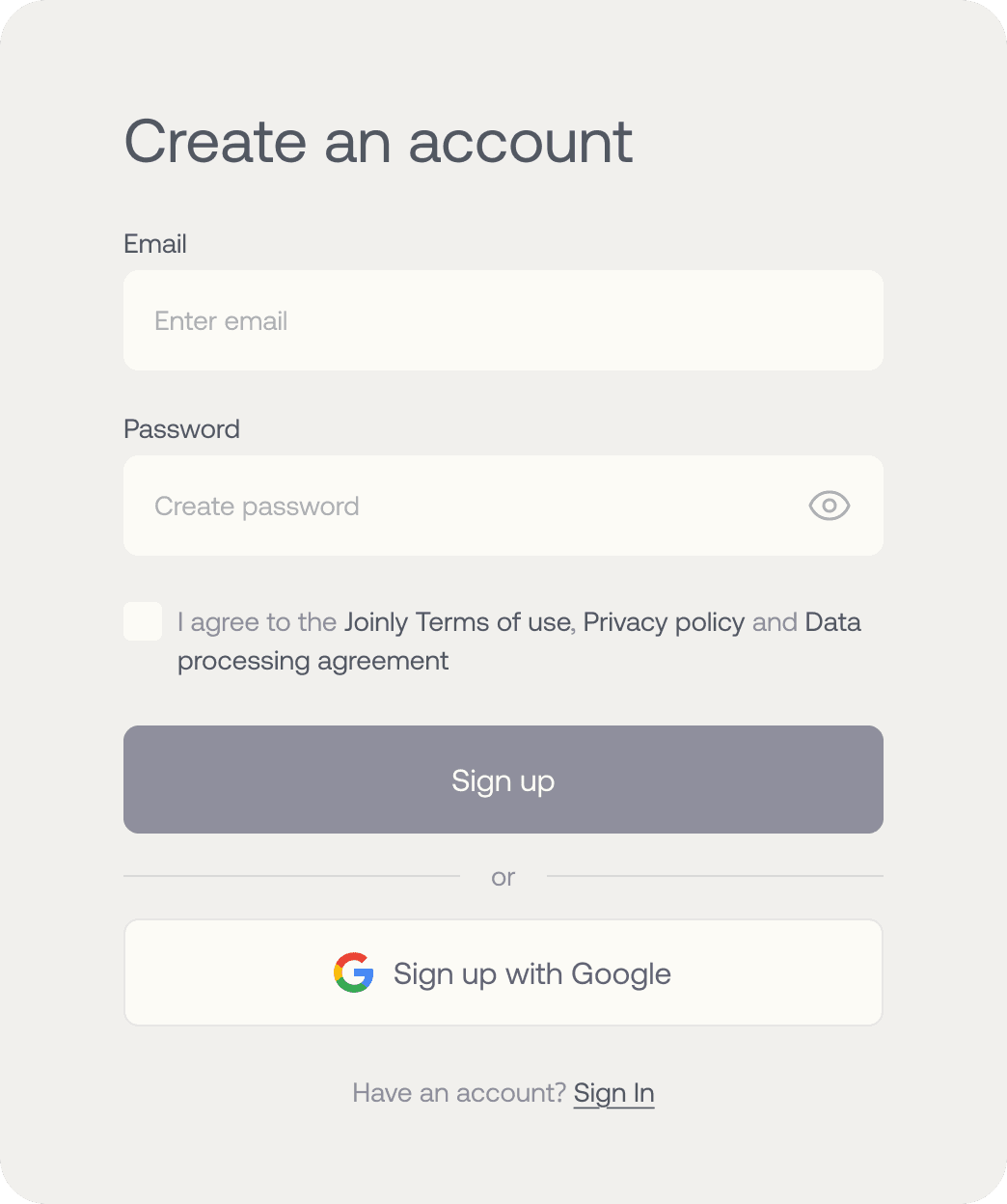
After
2 main fields (email, password)
Social login option
Inline validation that helps, not punishes
Softer CTA: “Sign up” / “Continue”
Show/Hide password toggle
Before, the eye icon showed the state, not the action — confusing. Now it’s clear: tap it and you know what happens.
Why it matters: studies show this simple toggle can cut typing mistakes by almost 50% on mobile. Proof
Error messages that make sense
Friendly input formats
No more strict masks. You type normally, the system formats it for you.
Why it matters: smoother typing saves 8–12% of time on mobile → faster = fewer drop-offs. Proof
Words on buttons matter too
I changed “Register” to “Sign up / Continue.” Softer, friendlier, less scary.
Why it matters: microcopy strongly affects conversion. Studies show “Sign up” feels more inviting and gets higher clicks. Proof
Your number
Enter password
Wrong
Number
Enter password
Right
Kseniia
Kseniia

Placeholder
Placeholder
K
Enter password
Minimum 6 characters
•
Password is too short, add more characters
•••••
Password is too short, add more characters
••••••••••
Strong password
Qwerty142!
Register
Sign up
+18k
35%
New active users in last 6 months
10.2 %
Support requests
Result
28.3 %
completed sign‑ups
Jan
Fab
Mar
Apr
May
Jun
Jul
28.3%
Business result
6.2 %
paying users in first month
Jan
Fab
Mar
Apr
May
Jun
Jul
6.2%
9.7 %
drop-off at verification
+12k
42%
Registrations completed vs. previous half-year
32.9 %
Overall time‑to-register
“Now I actually look forward using my tools”

Jenna P.
Service user

Joinly Dashboard
Joinly Dashboard
joinly.com





6
MON
Business impact
Shorter form = higher completion.
Softer microcopy = less resistance.
Smarter validation = fewer mistakes, happier users.
Faster flow = users get to product value quicker.
Even small changes — like button text or input masks — add up to a big difference in conversion.
Constraints
The project had tight deadlines and limited dev capacity, so I focused only on changes with the highest impact.
Collaboration
I worked closely with PMs and developers to align priorities and make sure the solution was realistic to build fast.
Next steps
Holistic system redesign
Navigation redesign
Notifications & alerts
Settings flow
We are here
Dashboard optimization

Kseniia Bator
Product designer